Best TV for GTA 6 in 2026: six sets that do a Leonida sunset justice, and why none of them needs to be 165Hz
A sun-bleached open world that reportedly runs at 30 frames per second rewards brightness and contrast, not a three-digit refresh rate. Shop accordingly.

By Nicole Tran , Senior Editor, TVs & Audio
When you buy through links on our site, we may earn an affiliate commission. Here is how it works.
The short version
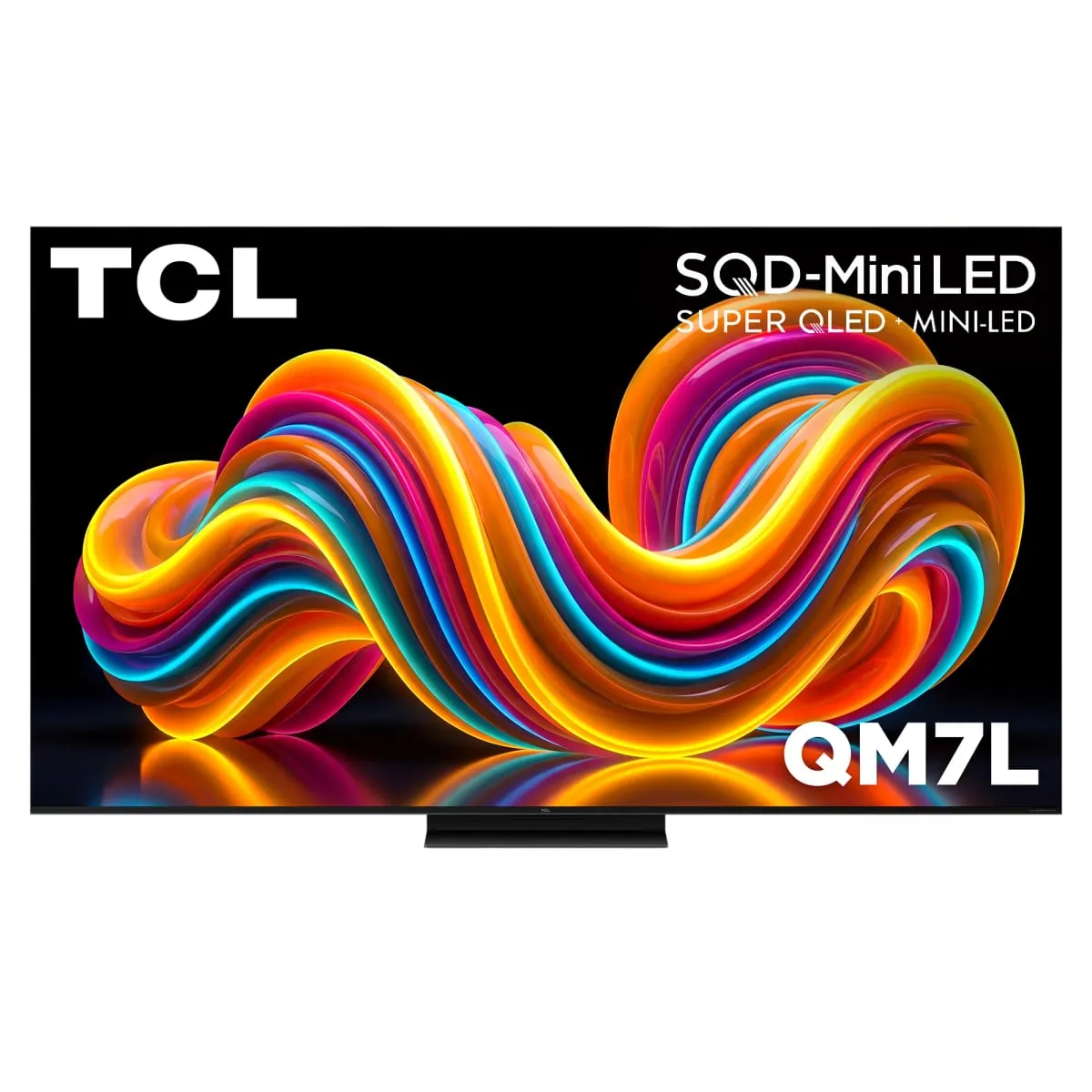
The best TV for GTA 6 for most people is the TCL QM7L, a bright mini-LED set with local dimming, very low input lag and a 144Hz panel, at around $700 for 55 inches. On a tighter budget, the TCL QM6K costs about $480 at 55 inches and gives up most of the HDR punch. The LG C6 OLED, around $1,400 for 65 inches, is the upgrade for perfect blacks.
Best value overall TCL QM7L
Our picks at a glance
- Check price
- Check price
- Check price
- Check price
- Check price
- Best premium OLED Samsung S95H OLED Buyers who want OLED blacks in a bright room and will pay for itCheck price

What is in this guide
- The best TVs for GTA 6 on PS5 and Xbox
- 1. TCL QM7L
- 2. TCL QM6K
- 3. Hisense U7 (U7SG)
- 4. LG C6 OLED
- 5. TCL QM8L
- 6. Samsung S95H OLED
- What to look for in a TV for GTA 6
- HDR brightness and contrast come first
- Do you need 120Hz for GTA 6?
- Input lag and game mode
- Count the HDMI 2.1 ports
- Settings to change on day one
- What size, and how far back?
- How we chose these TVs
- Which one should you buy?
The best TV for GTA 6 is a bright, mid-priced mini-LED set, and the one we’d buy is the TCL QM7L. It pairs a claimed 3,000 nits of brightness with more than 2,000 dimming zones and very low input lag, for about $700 at 55 inches.
Brightness wins because of how the game reportedly runs. Neither Rockstar nor Sony has published a frame rate for Grand Theft Auto VI, which launched November 19, but it is widely reported to target 30 frames per second on consoles. A TV cannot show frames the console never sends, so a 165Hz panel adds nothing here. A blazing Leonida afternoon and a neon-lit night street, on the other hand, use all the brightness and contrast a TV has.
The QM7L’s catch is motion. Its pixels change color slowly, so quick camera spins smear a little. If $700 is too much, the TCL QM6K handles the gaming basics for about $480. If you play at night and want perfect blacks, the LG C6 OLED is the upgrade.
The best TVs for GTA 6 on PS5 and Xbox
1. TCL QM7L
TCL QM7L
Best for: PS5 and Xbox players who want real HDR brightness for under $1,000
- Panel
- Mini-LED LCD, 2,100+ dimming zones (TCL figure)
- Peak brightness
- Up to 3,000 nits (TCL claim)
- Refresh rate
- 144Hz with VRR
- HDMI 2.1 ports
- 2 of 4
- HDR formats
- Dolby Vision IQ, HDR10+
- Sizes
- 55 to 98 inches
Usually around $700 for 55 inches (TCL list price about $1,200), more for larger sizes
What we like
- Claimed 3,000 nits and 2,100+ dimming zones for about $700 at 55 inches
- Very low input lag in game mode
- 144Hz panel with VRR covers every other console game
What to know
- Slow pixel response blurs fast motion
- Only two of four HDMI ports run 4K at 144Hz
The QM7L spends its budget on what a gorgeous open-world game shows off. It is a mini-LED TV, meaning thousands of tiny backlights sit behind the screen in groups called dimming zones, and each zone brightens or darkens on its own. TCL lists more than 2,100 zones and up to 3,000 nits (a nit is a unit of brightness, and cheap TVs manage a few hundred). The result is a sunset that glares like one while the alley next to it stays dark.
It also covers every other game you own. The panel redraws 144 times a second, and it supports VRR (variable refresh rate, which lets the TV redraw in step with the console so the picture never tears). The RTINGS review of the QM7L rates its input lag as very low, so the car turns when you tell it to.
Now the catch. That same review found the pixels slow to change color, which blurs fast motion. That hurts most in 120 frames-per-second shooters and least on a slow cruise down the coast. Only two of the four HDMI ports can carry 4K at 144Hz, and the other two top out at 60Hz.
Skip it if you plan to plug in three or more gaming devices, and look at the QM8L, which has four full-speed ports. At about $700 for the 55-inch (TCL’s list price is about $1,200), the QM7L is the least you can spend here and still get HDR that looks like HDR.
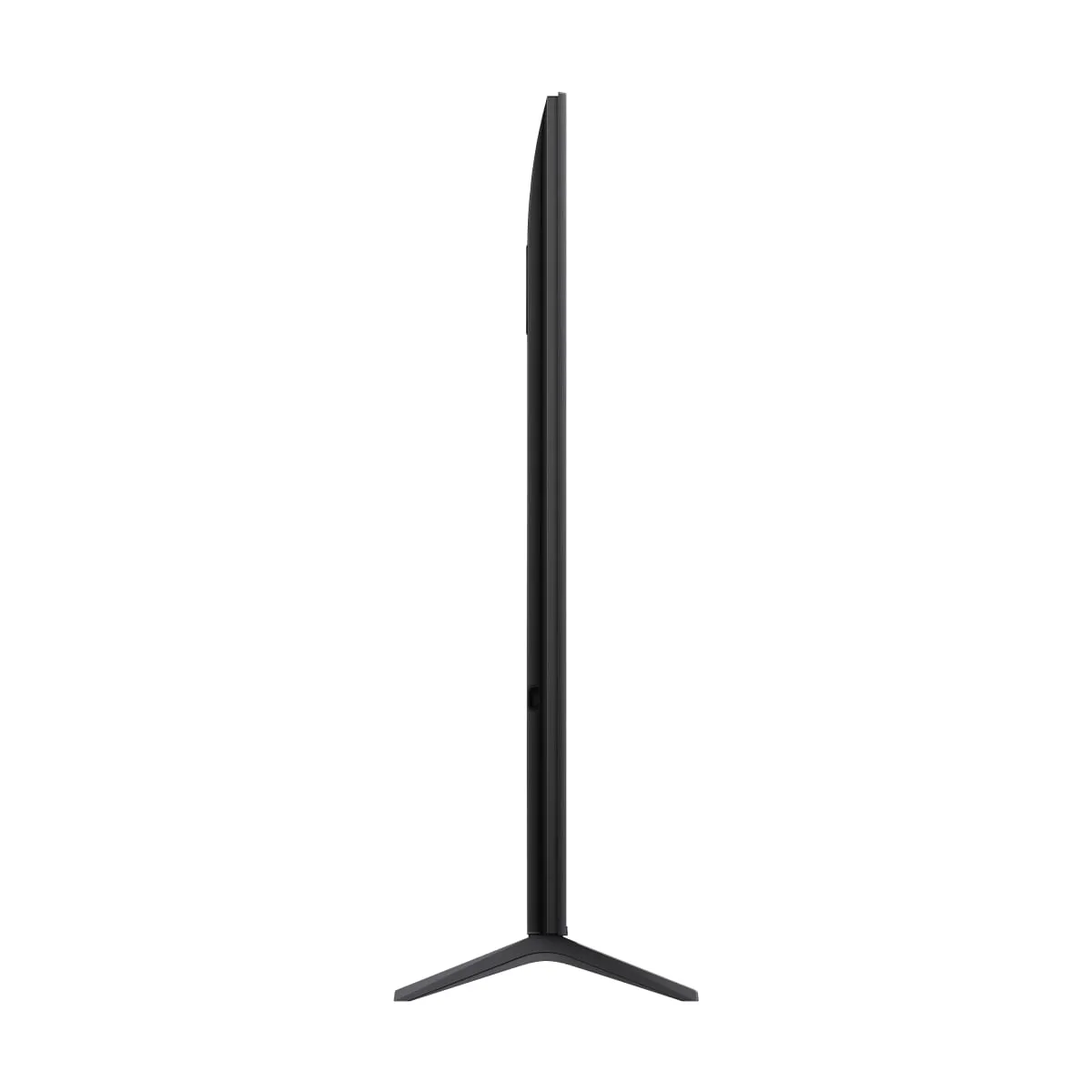
2. TCL QM6K
TCL QM6K
Best for: Anyone whose TV money already went on the console and the game
- Panel
- Mini-LED LCD with local dimming
- Refresh rate
- 144Hz with VRR
- HDR formats
- Dolby Vision, HDR10+
- Sizes
- 55 to 98 inches
Usually around $480 to $500 for 55 inches
What we like
- About $480 for a 55-inch mini-LED with local dimming
- 144Hz panel with VRR covers every other console game
- Sold in sizes from 55 to 98 inches
What to know
- TCL quotes no peak brightness figure and ranks it below the QM7L
- Entry-level local dimming, so expect more glow around bright objects
- A 2025 model, so stock will thin out
The QM6K is TCL’s entry-level mini-LED from 2025, still sold new, and it is our answer for a strict budget. Plenty of people ask for the best gaming TV under $1,000. This one is under $500.
It keeps the parts that make games feel right. You get a 144Hz panel with VRR and a dedicated game mode.
The catch is the very thing this game rewards. TCL quotes no peak brightness for it and places it below the QM7L in its own range, so expect highlights such as headlights and neon signs to have less punch. Entry-level mini-LED sets also split their backlight into fewer zones, which tends to show as a faint glow around bright objects on dark backgrounds, an effect called haloing. Vice City at night will look good, but not drink-dropping good.
Buy it for a bedroom or a dorm. Skip it if you can stretch another $220 to the 55-inch QM7L, because that is the best-spent $220 in this guide. TCL lists the 55-inch at about $650, and it usually sells for $480 to $500.
3. Hisense U7 (U7SG)
Hisense U7 (U7SG)
Best for: Daytime players whose TV faces a window
- Panel
- Mini-LED LCD with local dimming
- Screen
- Anti-glare treatment (Hisense wording)
- HDMI ports
- 4
- Model reviewed
- 65U7SG (Google TV)
Usually around $1,000 for 65 inches
What we like
- Anti-glare screen treatment cuts reflections from windows and lamps
- Mini-LED local dimming for deeper blacks than an ordinary LCD
- Around $1,000 for 65 inches, well under the LG C6
What to know
- Hisense publishes no peak brightness or dimming zone figures for it
- Not every HDMI port is a full-speed gaming port, so check the labels
- At around $1,000 for 65 inches, the TCL QM7L is the cheaper route to mini-LED
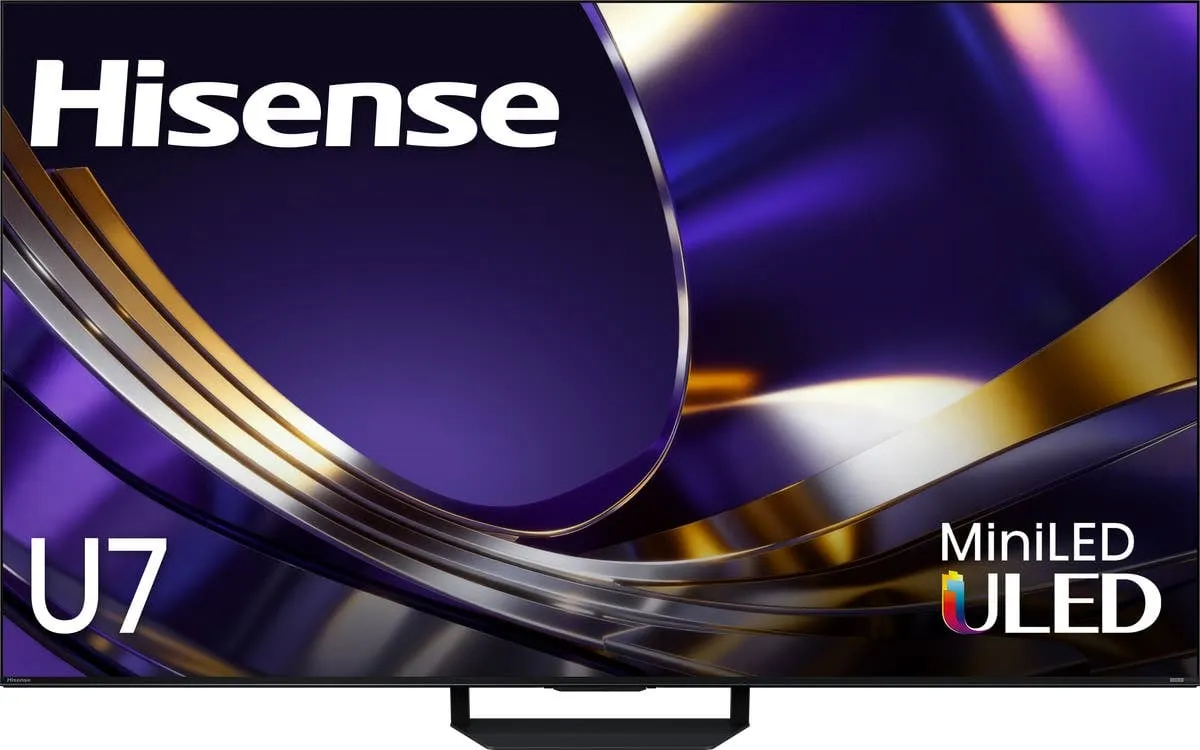
If your TV faces a window, this is the one. The Hisense U7, sold as the U7SG with Google TV and the U7SF with Fire TV, has an anti-glare screen that scatters reflections instead of mirroring your lamp back at you. Hisense says its screen treatment minimizes glare from lamps and windows.
It is also a mini-LED set, so the backlight dims in zones for deeper blacks than an ordinary LCD, and it has four HDMI ports for a crowded TV stand. Check which ones carry 4K at 120Hz before you plug in a second console.
The weak spot is information. Hisense’s page gives no peak brightness figure and no dimming zone count, so we cannot line it up against the TCLs on paper. For a game that rewards HDR punch, that is an awkward thing to take on trust.
Buy it if you mostly play in daylight. Skip it if you play at night in a dark room, where an anti-glare finish does nothing for you and the QM7L’s published numbers are the safer bet. It usually sells for around $1,000 at 65 inches.
4. LG C6 OLED
LG C6 OLED
Best for: Night-time players in a dim room who want perfect blacks
- Panel
- OLED, glossy screen
- Refresh rate
- 120Hz from consoles, 165Hz from a PC
- VRR
- G-Sync, FreeSync Premium
- HDR formats
- Dolby Vision
- Sizes
- 42 to 83 inches
Usually around $1,400 for 65 inches
What we like
- Each pixel switches off, so black is black with no glow
- Near-instant pixel response keeps motion sharp
- 120Hz with VRR from both consoles, plus Dolby Vision
What to know
- Slow camera pans at low frame rates look choppier than on LCD
- Burn-in risk from a static minimap over hundreds of hours
- Glossy screen struggles in a sunlit room
OLED is a screen type where every pixel makes its own light and can switch off completely, so black is truly black. For GTA VI that means a neon sign against a night sky with no glow around it at all. The C6 adds VRR support at up to 120Hz from a console and Dolby Vision.
Two catches are specific to this game. First, slow panning shots can look choppy on any OLED. OLED pixels change almost instantly, so at a low frame rate each frame stands as a crisp, separate picture, and a slow camera pan can look like a flipbook. Some people stop noticing within an hour. Some never do.
Second, burn-in. A map parked in the same corner for hundreds of hours carries a small risk of leaving a permanent ghost. Mixed use makes it unlikely, but a game this size is how the hours pile up.
Skip it if your room is bright by day, because the glossy screen reflects, and buy the Hisense instead. At around $1,400 for 65 inches on LG’s Black Friday pricing, it costs about $400 more than the 65-inch QM8L and roughly twice the 55-inch QM7L. That buys perfect blacks and sharper motion in faster games.
5. TCL QM8L
TCL QM8L
Best for: Big living rooms where a 75-inch or larger screen makes sense
- Panel
- Mini-LED LCD, 4,000+ dimming zones (TCL figure)
- Peak brightness
- Up to 6,000 nits (TCL claim)
- Refresh rate
- 144Hz with VRR
- HDMI 2.1 ports
- 4 of 4
- HDR formats
- Dolby Vision IQ, HDR10+
- Sizes
- 65 to 98 inches
Usually around $1,000 for 65 inches, more for larger sizes
What we like
- Claimed 6,000 nits, double the QM7L's figure
- All four HDMI ports are HDMI 2.1
- Around $1,000 for 65 inches, about $400 less than the 65-inch LG C6
What to know
- Starts at 65 inches, so there is no small size
- Prices climb quickly as the screen grows
- An LCD, so fast motion is never as crisp as on an OLED
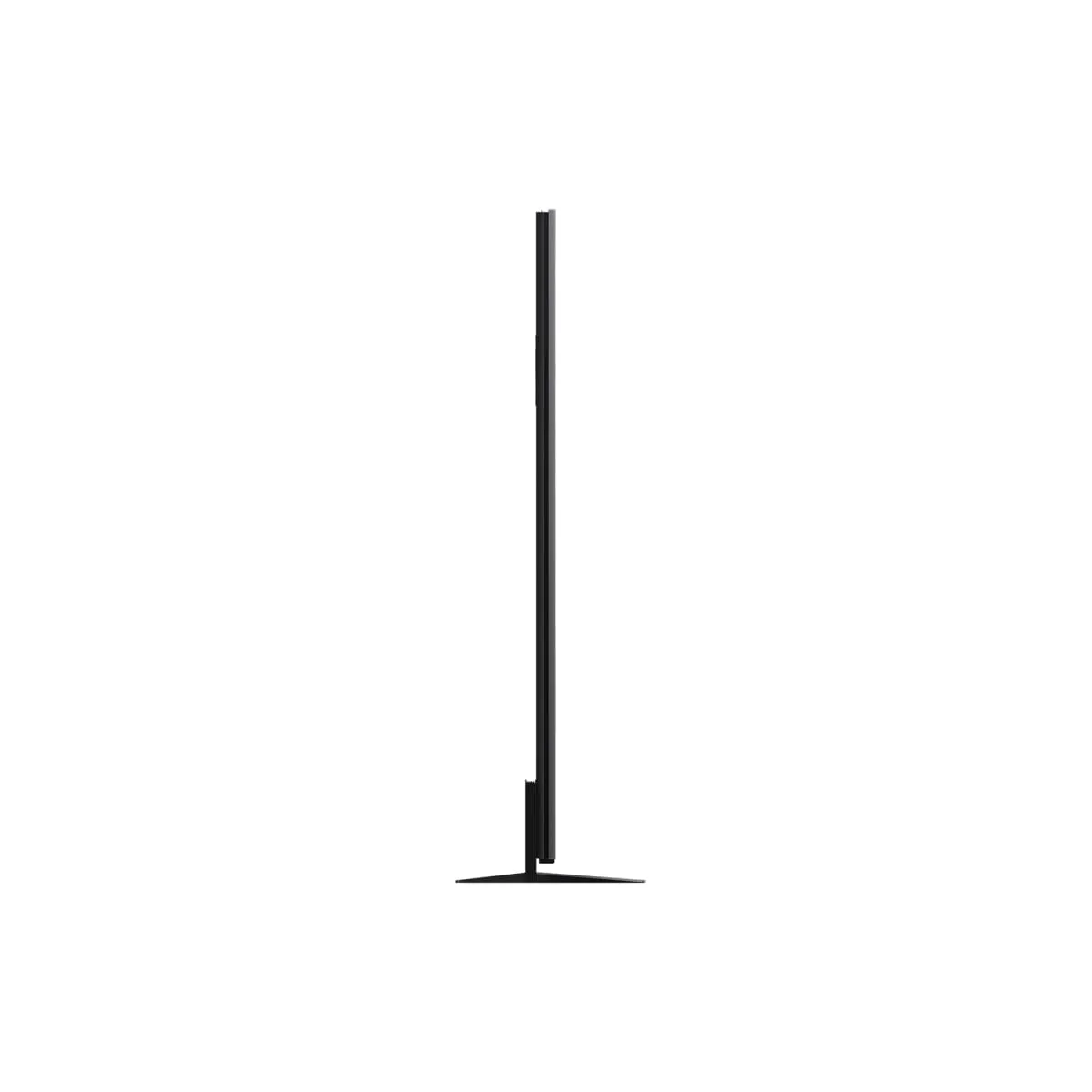
The QM8L is the QM7L with everything turned up. TCL claims up to 6,000 nits and more than 4,000 dimming zones, all four HDMI ports are HDMI 2.1, and the range starts at 65 inches and runs to 98.
Size is the reason to buy it. A sprawling open world rewards a big screen, and the 65-inch QM8L usually sells for around $1,000, about $400 less than the 65-inch LG C6 (TCL’s list price is $2,500, which tells you how seriously to take list prices). Bigger sizes cost more, so check the price at the size you want.
If your couch sits 8 feet or more from the wall, we’d take a 75-inch or larger QM8L over a smaller OLED.
The catch is size and price creep. It starts at 65 inches, the bigger sizes climb quickly, and like the QM7L it is an LCD, so fast motion never looks as crisp as it does on an OLED. Skip it if you sit close in a small room, because a 75-inch screen at 6 feet is a lot of television.
6. Samsung S95H OLED
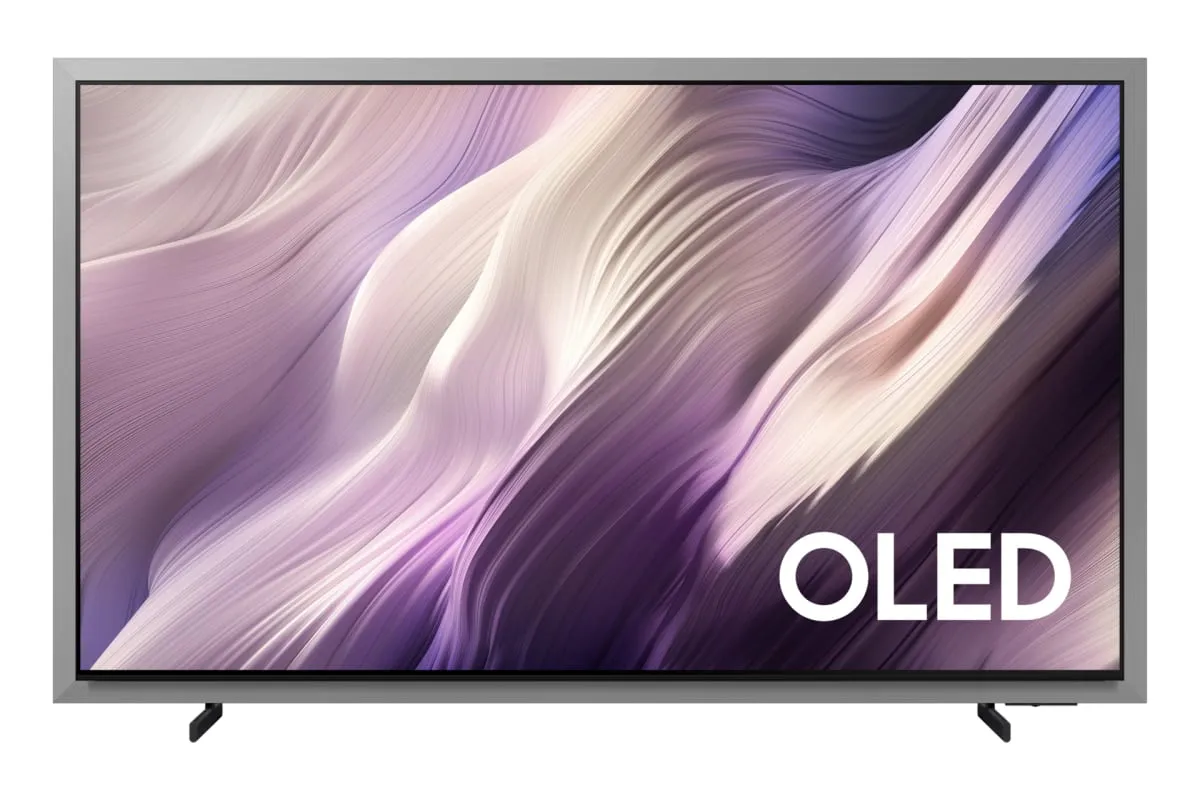
Samsung S95H OLED
Best for: Buyers who want OLED blacks in a bright room and will pay for it
- Panel
- OLED with Glare Free screen (Samsung wording)
- Refresh rate
- 120Hz from consoles, 165Hz from a PC
- Dolby Vision
- Not listed by Samsung
- Sizes
- 55 to 83 inches
About $3,400 for 65 inches at Samsung
What we like
- OLED contrast with a Glare Free finish that cuts reflections
- 4K at up to 165Hz from a PC
- Glare Free finish rated at 15 gloss units or less by Samsung
What to know
- About $3,400 for 65 inches at Samsung's own store
- No Dolby Vision listed, which Xbox consoles can use for games
- Like any OLED, blacks lift toward gray in strong daylight
The S95H is what happens when a TV maker fixes OLED’s two classic complaints at once. Samsung pairs its OLED panel with a Glare Free finish, which cuts the mirror-like reflections that plague glossy OLEDs. It also supports 4K at up to 165Hz from a PC with a graphics card to match.
So why is it last? Money. Samsung’s own store lists the 65-inch at about $3,400. We would not spend that on a television for a game that reportedly runs at 30 frames per second. Buy it because you want the best living-room TV on sale, and treat GTA VI as a bonus.
It has real quirks. Samsung’s page does not list Dolby Vision, an HDR format that Xbox consoles can use for games, so expect standard HDR. Like any OLED, its blacks lift toward gray in strong daylight. And the stutter and burn-in caveats from the LG apply here too.
Skip it if $1,400 already felt like plenty. The LG C6 delivers most of the same night-scene magic for less than half the price at 65 inches.
What to look for in a TV for GTA 6
HDR brightness and contrast come first
HDR (high dynamic range) lets a game send much brighter highlights and deeper shadows than standard video. A TV needs two things to show it: enough brightness, measured in nits, and a way to keep dark areas dark. Mini-LED sets do the second job with local dimming. OLEDs do it by switching pixels off.
This matters more on a PS5 Pro. Sony’s pre-load post says the Pro version adds ray-traced shadows (shadows calculated from how light really falls) and improved clarity through PSSR, Sony’s tech for sharpening the picture. Better shadows are wasted on a TV that turns them into gray fog, so the best TV for PS5 Pro owners is the QM8L or the LG C6.
Do you need 120Hz for GTA 6?
No, not for this game. No official source has published a frame rate, and the reported target is 30 frames per second. A 120Hz panel cannot invent the missing frames.
You should still buy one. Every TV here has at least a 120Hz panel with VRR, other console games do run at 60 and 120, and it costs nothing extra at these prices. Just do not pay more for 165Hz over 144Hz, because consoles top out at 120Hz. Skip 8K too.
Input lag and game mode
Input lag is the delay between pressing a button and seeing the result. Every pick here has a game mode built to cut it, so we did not rank on it. Outside game mode, any TV feels like steering through pudding.
Count the HDMI 2.1 ports
HDMI 2.1 is the connection that carries 4K at 120Hz with VRR. The QM7L has only two such ports. That is fine for a PS5 and an Xbox, and tight if a gaming PC joins them. Where a maker does not spell out the port speeds, the table says so, and the labels on the back of the set are the final word.
| TV | Type | HDR brightness | HDMI 2.1 ports | Typical price |
|---|---|---|---|---|
| TCL QM7L | Mini-LED | Up to 3,000 nits claimed | 2 of 4 | About $700 (55-inch) |
| TCL QM6K | Mini-LED | Not stated by TCL | Check the port labels | About $480 (55-inch) |
| Hisense U7 (U7SG) | Mini-LED, anti-glare | Not stated by Hisense | 4 ports, speeds not stated | About $1,000 (65-inch) |
| LG C6 OLED | OLED | Not stated by LG | Check the port labels | About $1,400 (65-inch) |
| TCL QM8L | Mini-LED | Up to 6,000 nits claimed | 4 of 4 | About $1,000 (65-inch) |
| Samsung S95H OLED | OLED, Glare Free | Not stated by Samsung | Check the port labels | About $3,400 (65-inch) |
Settings to change on day one
The install is about 212GB, so there is time to do this while it downloads. (Short on space? Our PS5 SSD guide covers the fix.)
- Use the right port. On the QM7L, plug the console into one of the two HDMI 2.1 inputs. On any TV, the full-speed ports are usually labeled 4K 120Hz or 144Hz.
- Turn on game mode. Most TVs switch automatically when a console starts a game. Check anyway.
- Calibrate HDR on the console. On PS5, go to Settings, then Screen and Video, then Video Output, then Adjust HDR. Xbox has a matching tool called Calibrate HDR for Games in its TV and display settings. It takes two minutes.
- Turn off motion smoothing. It invents in-between frames, adds delay and makes games look like a soap opera. Game mode usually disables it.
What size, and how far back?
A simple rule: multiply the screen size by 1.2 to 1.6 to get a comfortable viewing distance in inches. That puts a 55-inch at roughly 5.5 to 7.5 feet, a 65-inch at 6.5 to 8.5 feet, and a 75-inch at 7.5 to 10 feet. Most living rooms land on 65 inches. Go bigger before you go fancier.
How we chose these TVs
We started with what the game needs: real HDR brightness, local dimming or OLED for contrast, very low input lag in game mode, and a 120Hz panel with VRR and HDMI 2.1 for the rest of your library. The QM6K bends the first rule to stay under $500, and its entry says so.
Then we ranked by value. We checked each manufacturer’s own product and store pages for current models, ports and pricing, read independent lab reviews for the behavior spec sheets leave out (motion blur, banding, reflections), and weighed panel type against long-term risks such as burn-in. Prices are typical for mid-November, not one-day deals. Our approach is on the how we pick page.
Which one should you buy?
If you want one answer, buy the TCL QM7L (about $700 at 55 inches) and spend the savings on the game. It is bright where this game is bright and dark where it is dark.
If your budget stops at $500, get the 55-inch QM6K and accept that HDR will be polite instead of dazzling. If sunlight hits your screen all afternoon, get the Hisense U7. If you play after dark and can spend $1,400, get the LG C6 and enjoy the blackest night sky in Leonida.
Want it huge? The QM8L is the cheapest way here to go big on a bright mini-LED. And if you are considering the $3,400 Samsung, you did not need a guide, just permission.
Whichever you choose, skip the refresh-rate arms race. A 165Hz badge is a strange thing to pay for when the game reportedly sends 30.
More buying guides
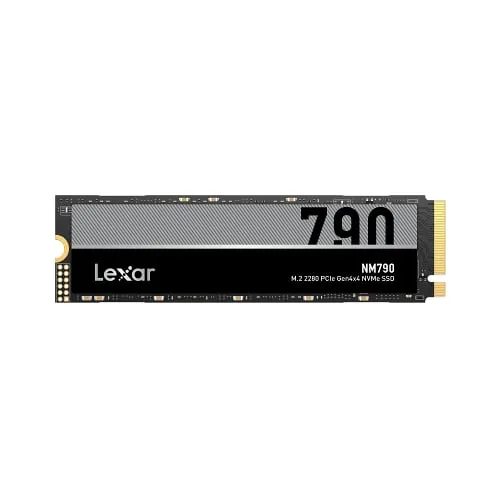
Best SSD for PS5 for GTA 6 in 2026: five drives for a 212GB game, ranked by value instead of bragging rights
One game now eats a quarter of a PS5. Here is the cheapest sensible way to get that space back.
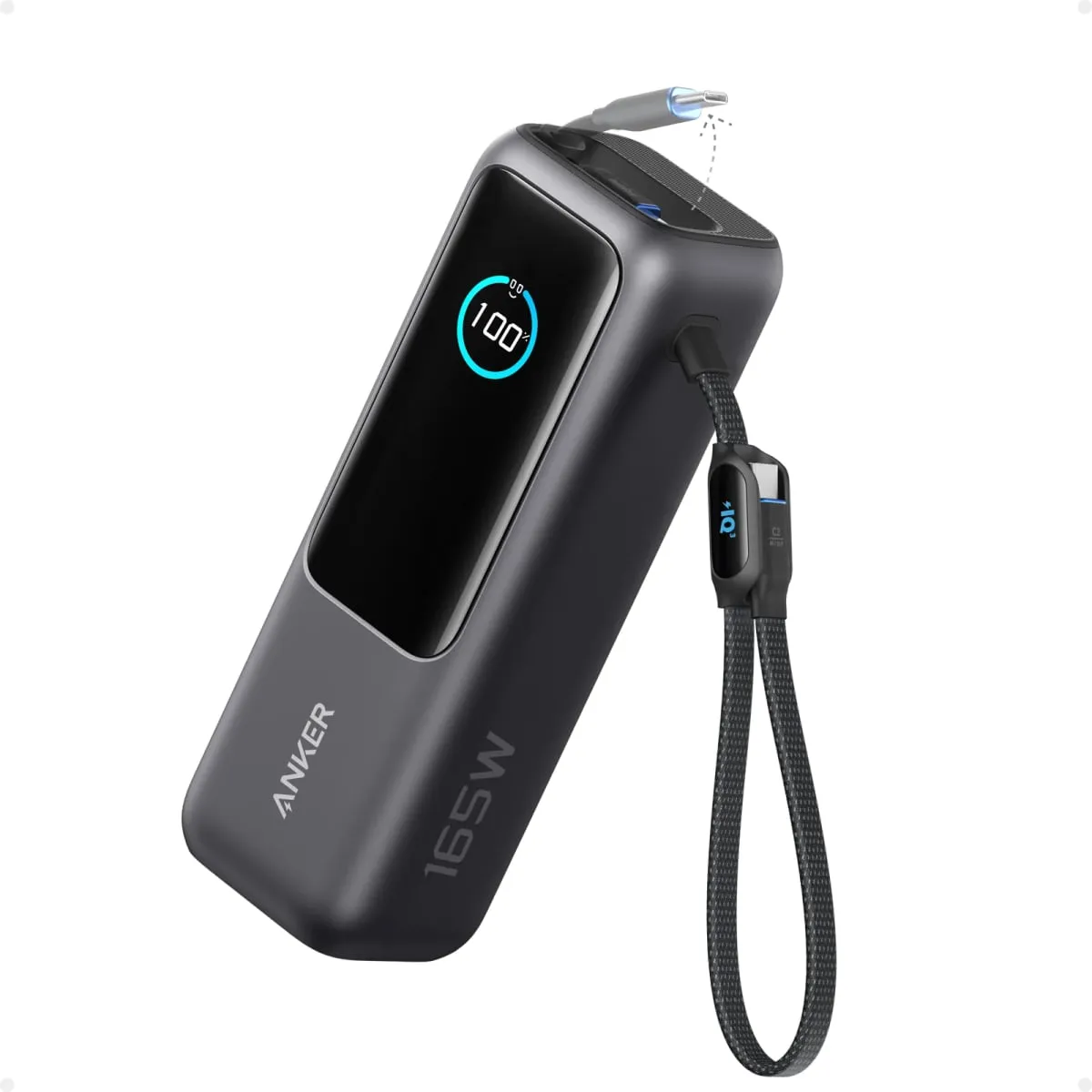
Best power bank for MacBook Pro in 2026: five packs that fit Apple's wattage and the FAA's 100 watt-hour rule
Watts decide how fast your MacBook charges. Watt-hours decide whether the pack is allowed on the plane. Here is what clears both bars.