Best microSD Express card for Switch 2 in 2026: they all load Mario Kart in about 20 seconds, so we'd shop by price per gigabyte
Every Express card loads games at nearly the same speed. So the smart money goes on price per gigabyte, warranty and a brand name you can trust.

By Casey Morgan , Staff Writer, Consoles & Handhelds
When you buy through links on our site, we may earn an affiliate commission. Here is how it works.
The short version
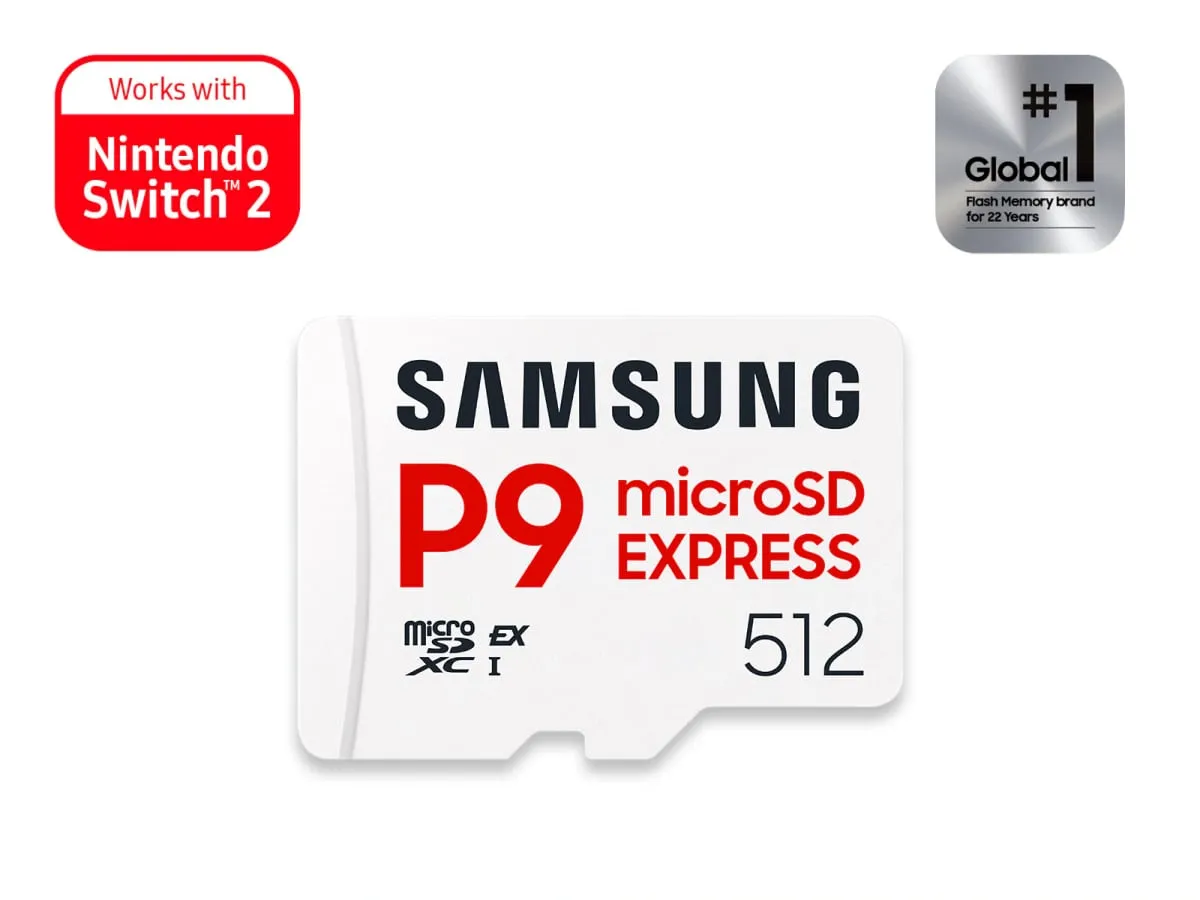
The best microSD Express card for Switch 2 is the 512GB Samsung P9 Express. It usually costs about $100, or roughly 20 cents per gigabyte, and loads games as quickly as pricier cards. Its warranty is three years, not lifetime. To spend less, the 256GB version is about $50. For 1TB, buy the SanDisk microSD Express Card at about $350, or less on sale.
Best value overall Samsung P9 Express
Our picks at a glance
- Best value overall Samsung P9 Express Most Switch 2 owners, in the 512GB size, and anyone who wants the lowest price per gigabyteCheck price
- Best 1TB card SanDisk microSD Express Card Digital-only players who want 1TB, and anyone who values a lifetime warrantyCheck price
- Cheapest Express card PNY microSD Express Card A kid's console with a few games on it, or anyone whose budget stops at about $40Check price
- Best for gifting SanDisk microSD Express Card for Nintendo Switch 2 Gift buyers who want a box that says Nintendo Switch 2 and cannot be the wrong cardCheck price
- Best upgrade Lexar Play Pro microSD Express Players who shuffle big games on and off the card every week, when the price is rightCheck price
What is in this guide
- The best microSD Express card for Switch 2 at every size
- 1. Samsung P9 Express
- 2. SanDisk microSD Express Card
- 3. PNY microSD Express Card
- 4. SanDisk microSD Express Card for Nintendo Switch 2
- 5. Lexar Play Pro microSD Express
- What to look for in a microSD Express card for Switch 2
- Do regular microSD cards work on Switch 2?
- Does a faster card load games faster?
- How much space do Switch 2 games take, and do you need a card at all?
- Why are memory cards so expensive in 2026?
- How do you spot a real Express card and avoid fakes?
- Price per gigabyte compared
- How we chose these microSD Express cards
- Which one should you buy?
The best microSD Express card for Switch 2 is the one that costs the least per gigabyte, because the console only runs games from this newer, much faster type of card (look for a small “EX” logo) and every brand loads those games at close to the same speed. For most people that means the 512GB Samsung P9 Express, which usually sells for about $100, or roughly 20 cents per gigabyte.
The catch is the warranty. Samsung covers the P9 for three years, while SanDisk, PNY and Lexar cover their cards for life, and Samsung makes no 1TB version.
If $100 is too much, the 256GB P9 Express is about $50 and still doubles the console’s storage. For 1TB, get the SanDisk card further down, at about $350 (less on sale).
And the microSD card from your original Switch? It can hand over its screenshots and videos, and that is the end of its career.
The best microSD Express card for Switch 2 at every size
1. Samsung P9 Express
Samsung P9 Express
Best for: Most Switch 2 owners, in the 512GB size, and anyone who wants the lowest price per gigabyte
- Sizes
- 256GB, 512GB
- Rated speed
- Up to 800MB/s
- Warranty
- 3-year limited
- Typical cost per GB
- About 20 cents
Usually about $50 for 256GB and about $100 for 512GB
What we like
- About 20 cents per gigabyte at both sizes, the lowest of the big brands
- 512GB triples the console's 256GB of built-in storage for about $100
- Made by one of the largest memory chip makers, with the EX logo on the card
What to know
- Three-year warranty, where SanDisk, PNY and Lexar cover their cards for life
- No 1TB version
- Samsung's own store lists it at about $80 and $150, well above the usual Amazon price
The Samsung P9 Express wins on arithmetic. The 512GB card usually sells for about $100 and the 256GB card for about $50, and both work out to roughly 20 cents per gigabyte. No other big-name Express card has stayed that cheap this fall.
On paper it is a touch slower than its rivals. Samsung rates it at up to 800MB/s (megabytes per second, a measure of how quickly data comes off the card), against 880 to 900 for the others. In a Switch 2 that gap is invisible, because the console sets the pace and the card just keeps up.
The price needs one warning. Samsung launched these cards at about $55 and $100, and its own store now lists them at about $80 and $150, where both sizes were out of stock when we looked. Amazon has kept selling them near the launch prices, so check the current price at Amazon and walk away if it has drifted up toward Samsung’s list price.
And now the catch. The warranty runs three years, and there is no 1TB option. Skip the P9 if you want the biggest card or the longest coverage, and go to the SanDisk below. Everyone else can stop here and keep about $30.
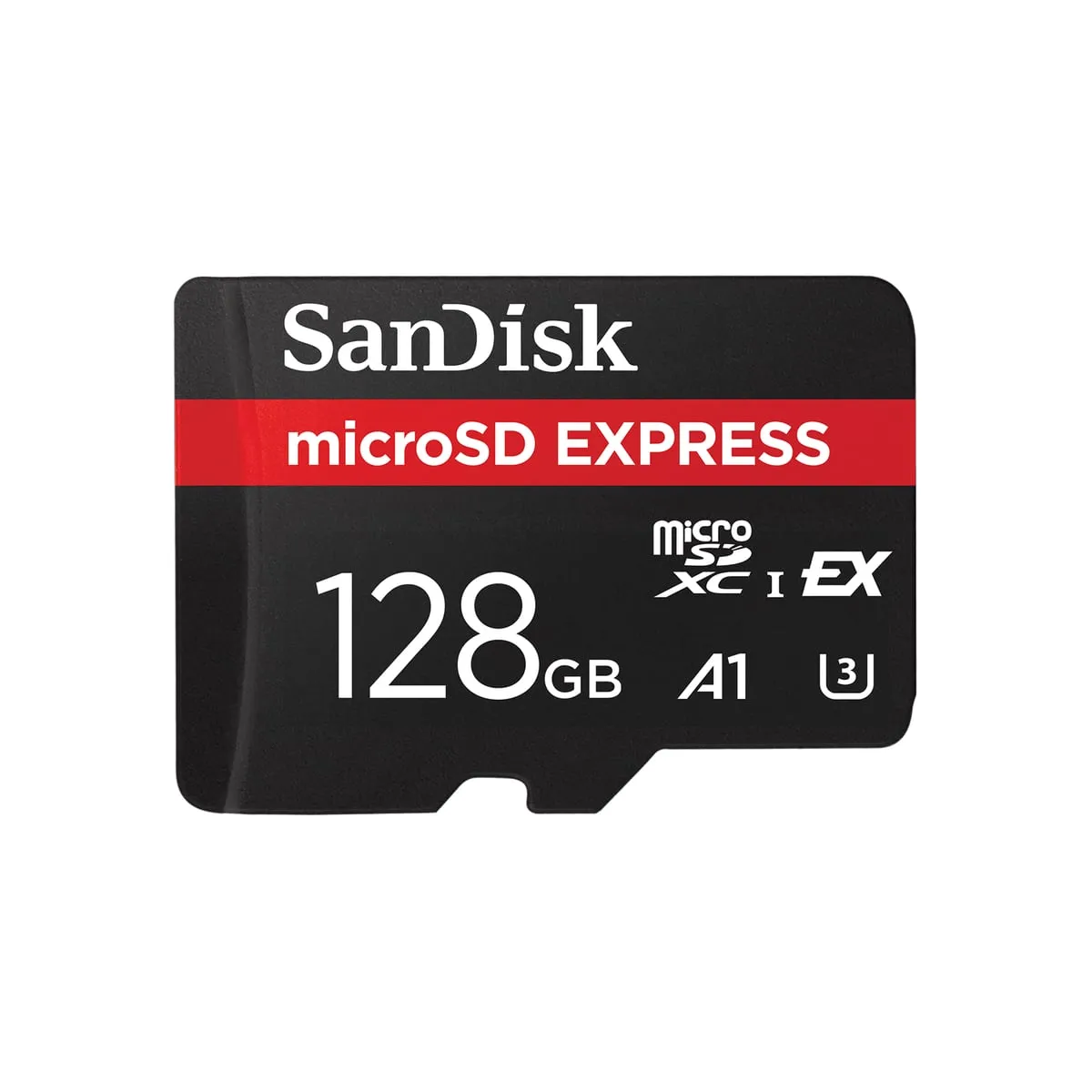
2. SanDisk microSD Express Card
SanDisk microSD Express Card
Best for: Digital-only players who want 1TB, and anyone who values a lifetime warranty
- Sizes
- 128GB, 256GB, 512GB, 1TB
- Rated speed
- Up to 880MB/s read
- Warranty
- Lifetime limited
- Typical cost per GB
- 23 to 35 cents
Usually about $60 for 256GB, $130 for 512GB and $350 for 1TB
What we like
- Sold in four sizes up to 1TB, so it is easy to find in stock
- Lifetime limited warranty
- On sale, the 512GB has dipped to about $100, level with Samsung
What to know
- At regular price the 512GB costs about $30 more than Samsung's for the same load times
- The 1TB card is usually about $350, or 70 percent of the price of the console
- The 128GB size fills up after about five large games
If you want a Switch 2 memory card in the 1TB size, this is the one we’d buy. SanDisk sells its Express card in four sizes from 128GB to 1TB, every one carries a lifetime limited warranty, and the 1TB version is rated to write data faster than the 256GB and 512GB cards (up to 800MB/s instead of 650).
It is also the safe pick. Engadget, which timed a stack of these cards in a Switch 2, made the SanDisk its top choice, and only one card in its group copied Mario Kart World over faster.
The price is the hard part. The 1TB card usually runs about $350, which is 70 percent of the price of the $500 console it plugs into. Black Friday sales are the time to look, and anything near $300 is the number to wait for.
At the smaller sizes SanDisk normally costs more than Samsung for the same load times, at about $60 for 256GB and about $130 for 512GB. Sales change that. The 512GB has dipped to about $100 on sale, level with Samsung, and at an equal price the lifetime warranty wins.
Skip the 128GB size, which fills up after about five big games. And skip this card entirely if 512GB is enough and SanDisk is not on sale, because the Samsung does the same job for less.
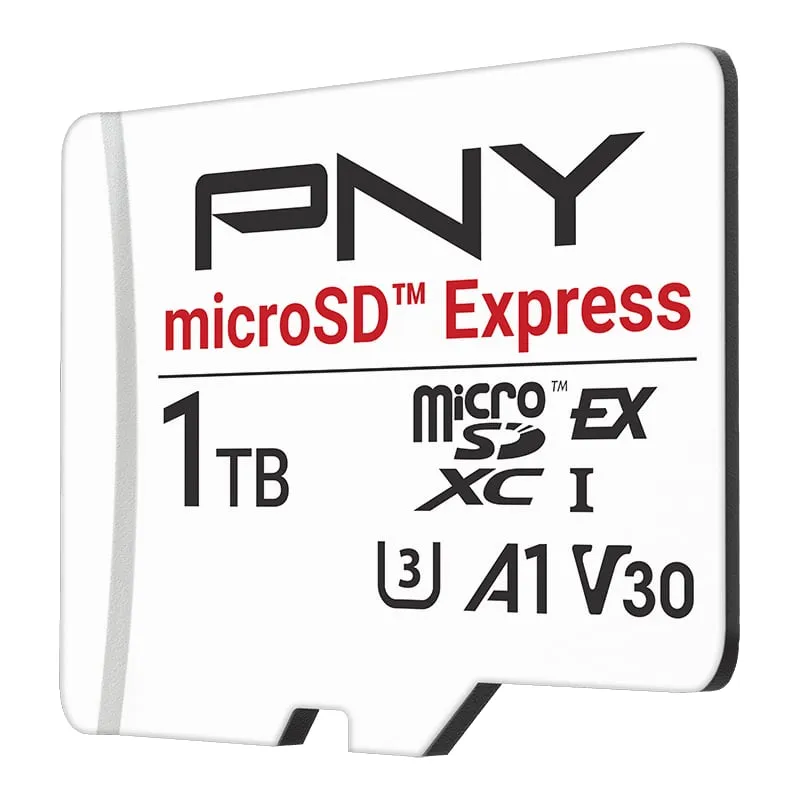
3. PNY microSD Express Card
PNY microSD Express Card
Best for: A kid's console with a few games on it, or anyone whose budget stops at about $40
- Sizes
- 128GB, 256GB, 512GB, 1TB
- Rated speed
- Up to 890MB/s read
- Warranty
- Lifetime limited
- Typical cost per GB
- 21 to 35 cents
Usually about $40 to $45 for 128GB and about $55 for 256GB
What we like
- The 128GB size is the lowest-priced real Express card, at about $40 to $45
- Lifetime limited warranty at every size
- The 1TB card is about $310 when bought direct from PNY
What to know
- Took about two and a half minutes longer than SanDisk to copy Mario Kart World onto the card in Engadget's timing
- PNY says some cards need a firmware update before a Switch 2 will accept them
- 128GB holds only about five games the size of Mario Kart World
PNY sells the cheapest microSD Express card from a brand we’d trust. The 128GB size usually costs about $40 to $45. PNY also backs every size with a lifetime limited warranty, and its 1TB card is about $310 when bought direct.
That 128GB card deserves a plain description. It holds about five games the size of Mario Kart World, and at 31 to 35 cents per gigabyte it is poor value by the numbers. It is the right card for a kid’s console with three games on it, and the wrong card for almost everyone else.
There are two catches. In the same Engadget tests, the PNY was far slower than the SanDisk at copying games onto the card. Mario Kart World took 7 minutes 11 seconds, against 4 minutes 39 seconds for the SanDisk. Load times once the game was on the card were in line with the rest, and you only copy a game once.
The second catch is fussier. PNY’s own product page says a card that gives a Switch 2 trouble may need a firmware update (new built-in software for the card) through a PNY tool. That is not a chore we’d hand to a relative on a holiday morning.
Skip it if you can stretch to $50. The 256GB Samsung doubles the space for a few dollars more.
4. SanDisk microSD Express Card for Nintendo Switch 2
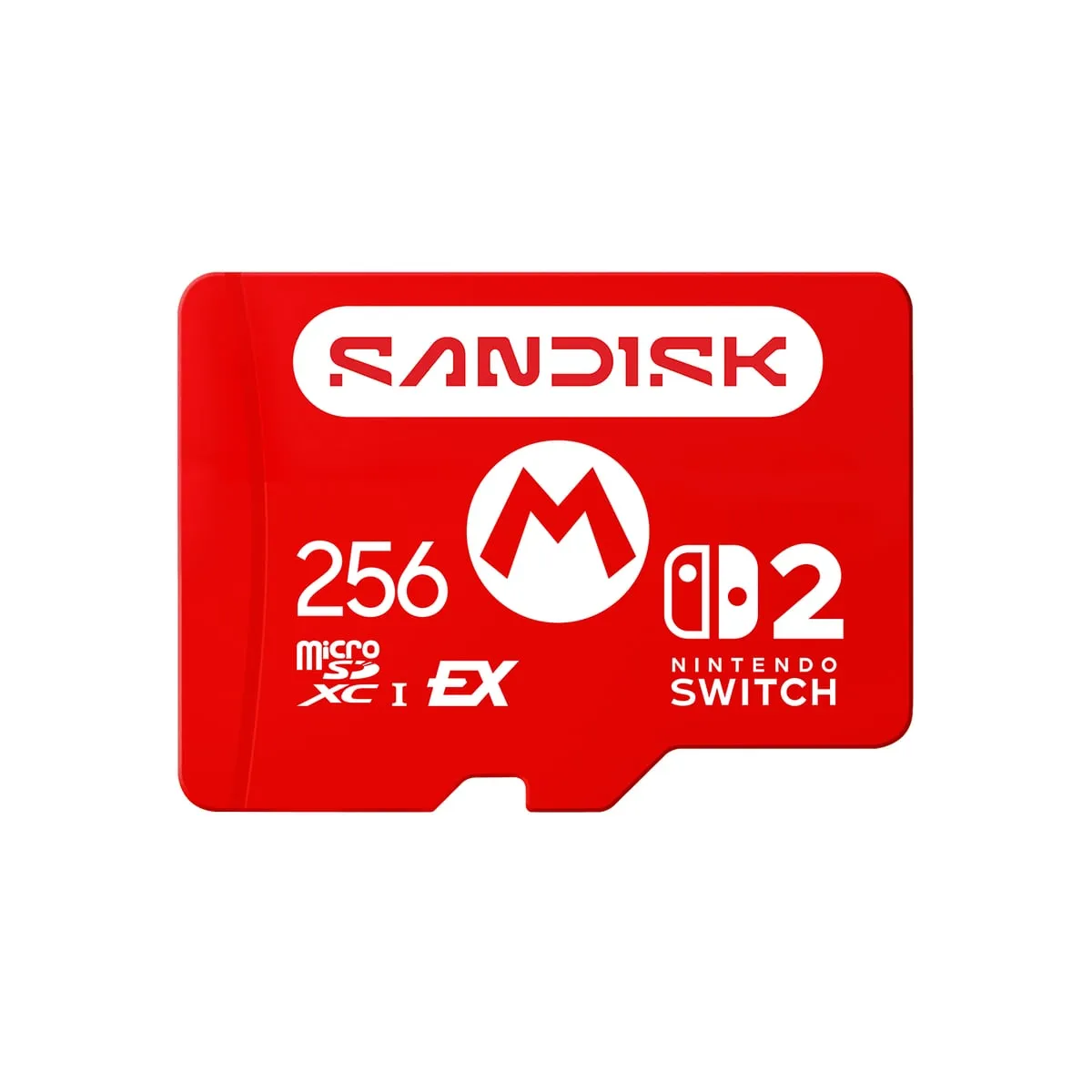
SanDisk microSD Express Card for Nintendo Switch 2
Best for: Gift buyers who want a box that says Nintendo Switch 2 and cannot be the wrong card
- Sizes
- 256GB, 512GB, 1TB
- Rated speed
- Up to 880MB/s read
- Warranty
- Lifetime limited
- Typical cost per GB
- 25 to 44 cents
Usually about $65 for 256GB, $160 for 512GB and $440 for 1TB
What we like
- Officially licensed by Nintendo, with Switch 2 branding on the box and the card
- Same rated speeds and lifetime limited warranty as the plain SanDisk card
- About $5 more than the plain version at 256GB
What to know
- The licensing premium grows to about $30 at 512GB and about $90 at 1TB
- Identical performance to the cheaper plain card
This is the SanDisk card from pick 2 in a red jacket. It is officially licensed by Nintendo, the artwork on the card comes from the Mario games, and SanDisk’s spec sheet lists the same speeds and the same lifetime limited warranty as the plain version.
It earns a place because of the gift problem. Somebody standing in a store aisle, buying for a grandchild, should not have to learn what an EX logo is. This box says Nintendo Switch 2 in large letters and cannot be the wrong type of card. Nintendo lists licensed cards from SanDisk and Samsung on its own store too, and Samsung’s licensed card comes only in 256GB, at about $60.
You pay for the print. The licensed SanDisk usually costs about $65 for 256GB, about $160 for 512GB and about $440 for 1TB. That is roughly $5, $30 and $90 more than the plain card at each size.
At 256GB, $5 for certainty is fair. At 1TB, $90 for a printed star is not.
Skip it if you are buying for yourself and can tell an Express card from an ordinary one. After this article, you can.
5. Lexar Play Pro microSD Express
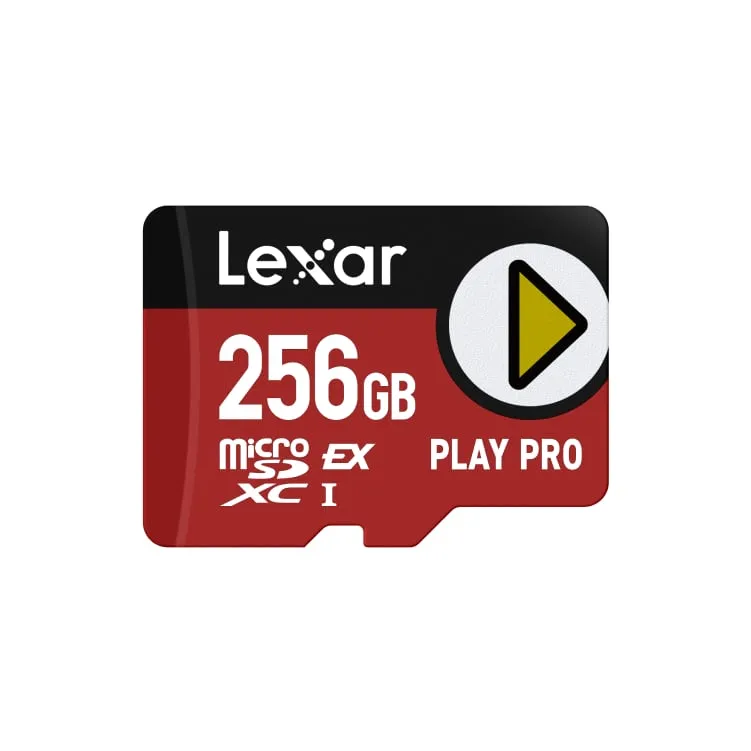
Lexar Play Pro microSD Express
Best for: Players who shuffle big games on and off the card every week, when the price is right
- Sizes
- 256GB, 512GB, 1TB
- Rated speed
- Up to 900MB/s read, 600MB/s write
- Warranty
- Limited lifetime
- Typical cost per GB
- 29 to 39 cents
List prices are about $100 for 256GB, $150 for 512GB and $350 for 1TB
What we like
- Highest rated read speed here, at up to 900MB/s
- Fastest in Engadget's timing at copying Mario Kart World onto the card
- Limited lifetime warranty
What to know
- The 1TB list price has climbed from about $220 to about $350 within a year
- Amazon listings ran above list price in early November
- The speed edge amounts to seconds per game copied
The upgrade slot is where the flagship goes, and in this category the flagship buys very little. The Lexar Play Pro has the highest rated speeds of the five, at up to 900MB/s for reading and 600MB/s for writing, plus a limited lifetime warranty and sizes from 256GB to 1TB.
That speed does show up in one place. In Engadget’s timing, the Lexar was the fastest at copying Mario Kart World onto the card, beating the SanDisk by about six seconds. Six seconds, once per game.
Then there is the price. Lexar’s own site lists the Play Pro at about $100, $150 and $350 for the three sizes. Last winter the same cards carried list prices of about $60, $120 and $220. Amazon listings in early November ran higher still.
Buy it if you move large games between the console and the card every week, and you find the 1TB at or below the SanDisk’s price. Otherwise skip it. The SanDisk gives you the same capacity and the same lifetime coverage for less money.
What to look for in a microSD Express card for Switch 2
Do regular microSD cards work on Switch 2?
Not for games. Nintendo’s tech specs page says the slot is compatible with microSD Express cards only, in sizes up to 2TB. A regular microSD card can only be used to copy screenshots and videos over from an original Switch.
Express cards talk to the console over the same kind of connection used by the fast storage drive in a laptop, which is why Switch 2 games are allowed to run from them. One more detail matters for peace of mind. Nintendo’s microSD Express FAQ says save data stays in the console’s own memory, so a dead card costs you a few downloads and none of your progress.
Does a faster card load games faster?
Barely. In Engadget’s tests, the cards it timed side by side all loaded Mario Kart World in 18 to 20 seconds. The 800 to 900MB/s figures on the packaging are top speeds recorded on computer equipment, and the console never gets near them.
So ignore the speed printed on the box. Rated write speed only matters when you copy a game onto the card, which happens once. What separates these cards is price per gigabyte, capacity, warranty length and whether the brand has a record worth trusting.
How much space do Switch 2 games take, and do you need a card at all?
The console has 256GB built in, with part of it reserved for the system. Nintendo’s store lists Mario Kart World at 22.2GB, The Legend of Zelda: Tears of the Kingdom - Nintendo Switch 2 Edition at 20.1GB, Pokemon Legends: Z-A - Nintendo Switch 2 Edition at 11.3GB and Donkey Kong Bananza at 9GB. All four together use about 63GB, a quarter of the console.
So a family that buys the Mario Kart World bundle on sale for Black Friday can wait months before buying a card. You need one sooner if you buy most games as downloads, if several people share the console, or if you collect large third-party games.
Buy the size you will grow into. Nintendo recommends using a single card, because games spread across several cards cannot be merged onto one later.
Why are memory cards so expensive in 2026?
There is an industry-wide memory shortage. Chip makers are steering production toward servers for data centers, and research firm TrendForce projected a 15 to 20 percent rise in wholesale prices for NAND flash (the memory chips inside every card and storage drive) in the last quarter of 2026 alone.
You can see it in this list. Samsung’s list price for the 256GB P9 went from about $55 at launch to about $80. We would not wait for prices to fall. Buy on a sale, and Black Friday week is a good one.
How do you spot a real Express card and avoid fakes?
Nintendo’s compatibility guide shows the mark to look for, a small “EX” printed beside the microSD logo. Look-alikes are the common trap. SanDisk’s older Nintendo-branded cards for the original Switch come in sizes up to 1TB, carry the same kind of Nintendo artwork and will not run a single Switch 2 game.
Buy from the brand’s official storefront or a listing sold by the retailer itself, not from a marketplace seller you have never heard of. And trust the math. A real 1TB Express card costs about $300, so a $40 one is fiction.
The same goes for anything bigger. The slot accepts up to 2TB, but none of these four brands lists a card larger than 1TB, and with 1TB priced like a budget phone, a real 2TB card would be rare and very expensive.
Price per gigabyte compared
These are rounded typical prices from November 2026, with the cost per gigabyte in parentheses.
| Card | 256GB | 512GB | 1TB | Warranty |
|---|---|---|---|---|
| Samsung P9 Express | About $50 (20 cents) | About $100 (20 cents) | Not made | 3 years |
| SanDisk microSD Express Card | About $60 (23 cents) | About $130 (25 cents) | About $350 (35 cents) | Lifetime |
| PNY microSD Express Card | About $55 (21 cents) | About $120 (23 cents) | About $310 (31 cents) | Lifetime |
| SanDisk for Nintendo Switch 2 | About $65 (25 cents) | About $160 (31 cents) | About $440 (44 cents) | Lifetime |
| Lexar Play Pro | About $100 (39 cents) | About $150 (29 cents) | About $350 (35 cents) | Lifetime |
Our answer at each size: Samsung at 256GB, Samsung at 512GB, and SanDisk at 1TB (PNY’s 1TB is the fallback when SanDisk is not on sale).
How we chose these microSD Express cards
We started with Nintendo’s rule, which removes every card without the Express mark, and then kept only cards whose makers publish full specs and warranty terms on their own sites. We read those pages and Nintendo’s support documents for the fine print, including PNY’s firmware note.
For prices, we compared each maker’s list price with what its cards sold for at Amazon during November, then divided by capacity. For speed, we leaned on published load-time measurements, because the numbers on the packaging describe a best case the console never reaches.
Reliability worked as a gate. Unbranded marketplace cards were out from the start, and so was GameStop’s store-brand card, which was unavailable online when we looked. Our approach to choosing products explains the rest of the method.
Which one should you buy?
If you want one answer, get the 512GB Samsung P9 Express at about $100. It triples the console’s storage for the lowest price per gigabyte on this list.
If your budget stops at $50, get the 256GB Samsung P9 Express. If it stops at $40, the 128GB PNY works, with the caveats above.
If you buy every game as a download, get the 1TB SanDisk and try to pay closer to $300 than $350. If the SanDisk 256GB or 512GB is within $10 of the Samsung on the day you shop, take the SanDisk for the lifetime warranty.
If the card is a gift and you will not be there to help, get the licensed SanDisk in 256GB. If you own three games and buy cartridges, skip all of these for now and spend the money on a fourth game.
Storage is one of two things a handheld runs out of on a long trip. The other is battery, and our guide to power banks for the Steam Deck covers that half of the problem.
Every card on this list loads Mario Kart World in about 20 seconds. Only one of them does it for 20 cents a gigabyte.
More buying guides
Best power bank for Steam Deck in 2026: five packs that deliver the 45 watts Valve asks for, and one number on the box you can ignore
Wattage is the whole story. A pack that cannot push 45W from one USB-C port will lose ground to a demanding game, however big the number on the box.
Best SSD for PS5 for GTA 6 in 2026: five drives for a 212GB game, ranked by value instead of bragging rights
One game now eats a quarter of a PS5. Here is the cheapest sensible way to get that space back.